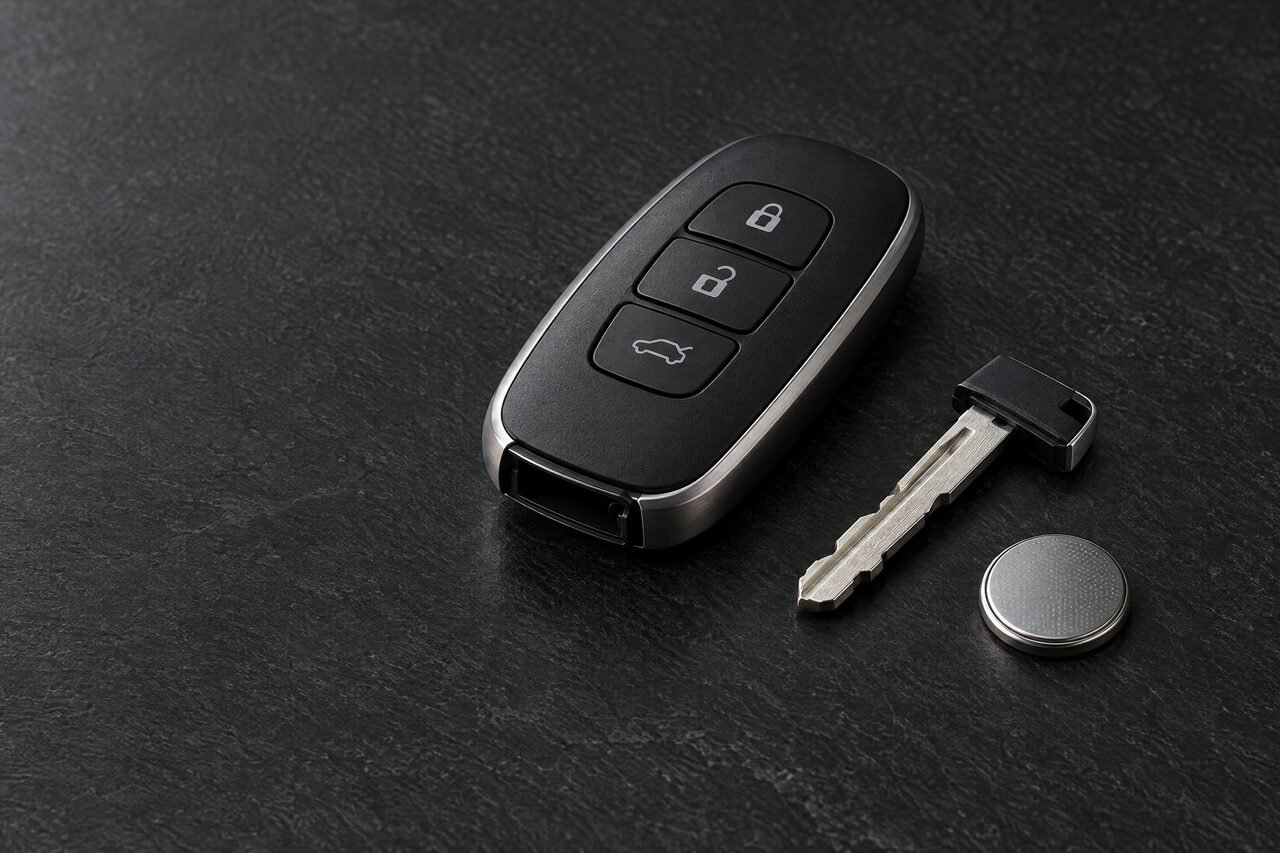
Check the battery first
A weak battery is one of the most common reasons a remote seems to die. Signs include:
- You have to stand closer to the car for the buttons to work
- It works on some presses and not others
- A “key battery low” or “key not detected” message on the dash
Most fobs use a coin-cell battery, often printed on the old cell (CR2032 is a common one). Your owner’s manual shows how to open the case. If a fresh battery doesn’t fix it, the fob may be damaged or may have lost its programming, and that’s when to call us.
Which kind of fob do you have?
Remote with a separate key
A small remote on the keyring for the locks, plus a regular key for the ignition. Replacing the remote doesn’t affect the key, and the other way around. If that key sticks or won’t turn in the ignition, see ignition and broken keys.
Flip key or remote head key
Remote buttons and a transponder chip built into the head of the key. A replacement needs the blade cut and both the remote and the chip programmed.
Smart key (push-to-start)
The car senses the key nearby, so you can unlock and start without taking it out. These are programmed to the vehicle and usually hide an emergency blade for when the battery dies.
Use the hidden emergency key
Most smart keys have a small release button or slider that frees a metal blade. Many cars hide the matching keyhole under a cap on the driver’s door handle. It won’t start the car on its own, but it will get you inside.
What we need to know
Your year, make and model, whether the car has push-to-start, and how many buttons the fob has. If you’re replacing your only working fob, read lost car keys as well. If you just want a backup, see spare car keys.